Map editor
A visual editor for building Plaster maps without touching code, with a Play button that drops you into the real game on the map you're editing.
01The editor
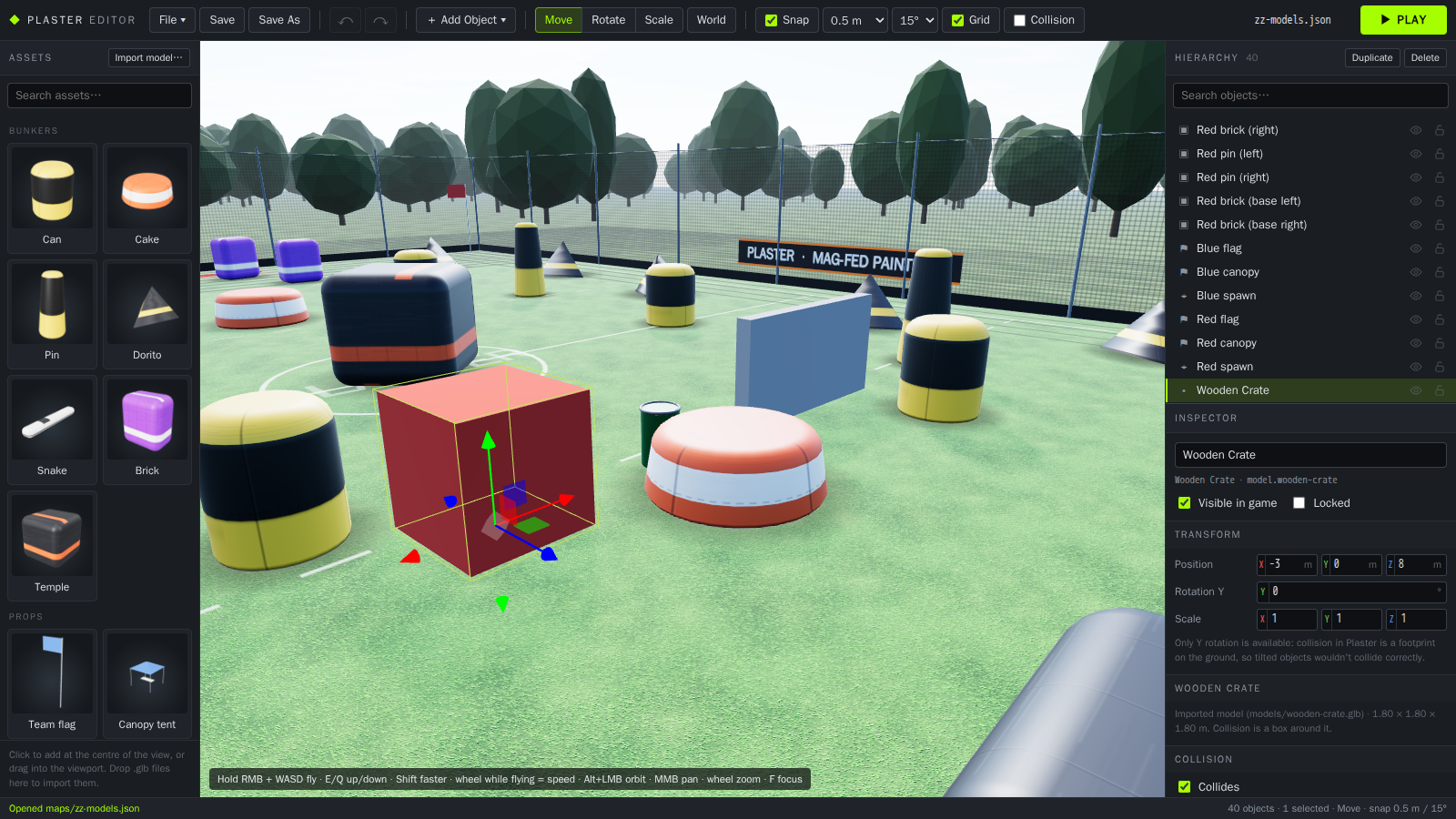 Editor
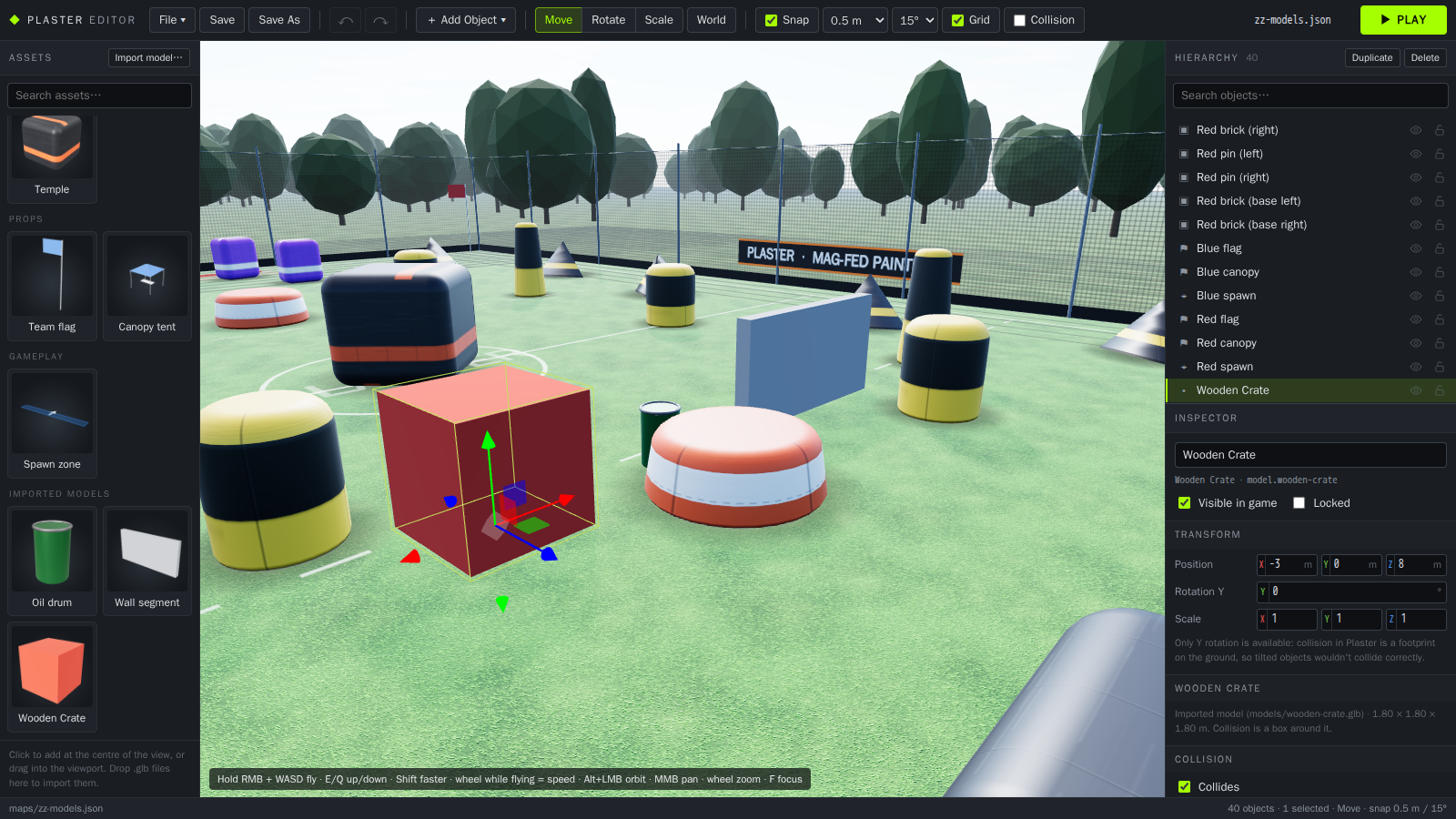 Models
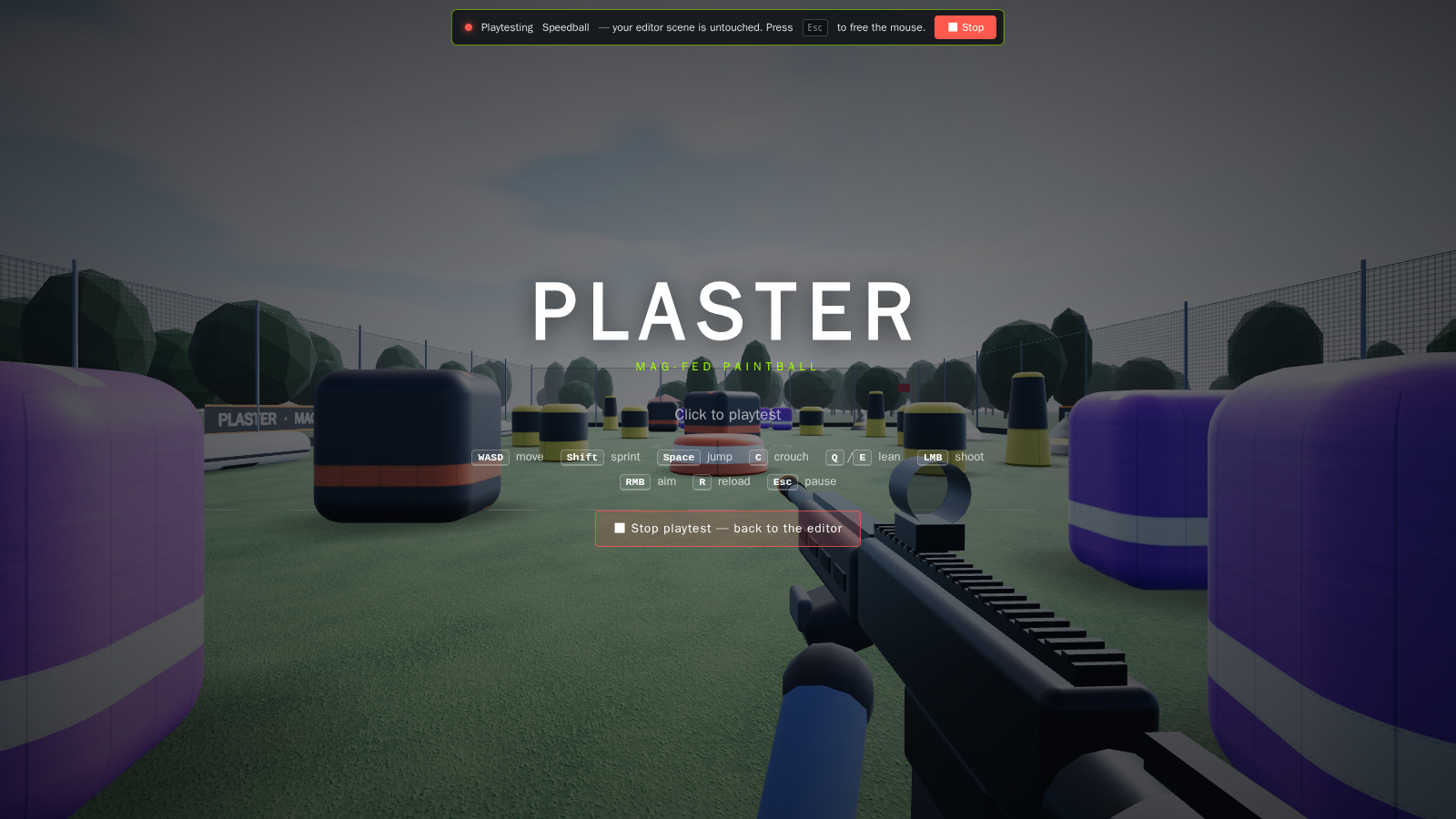 Playtest
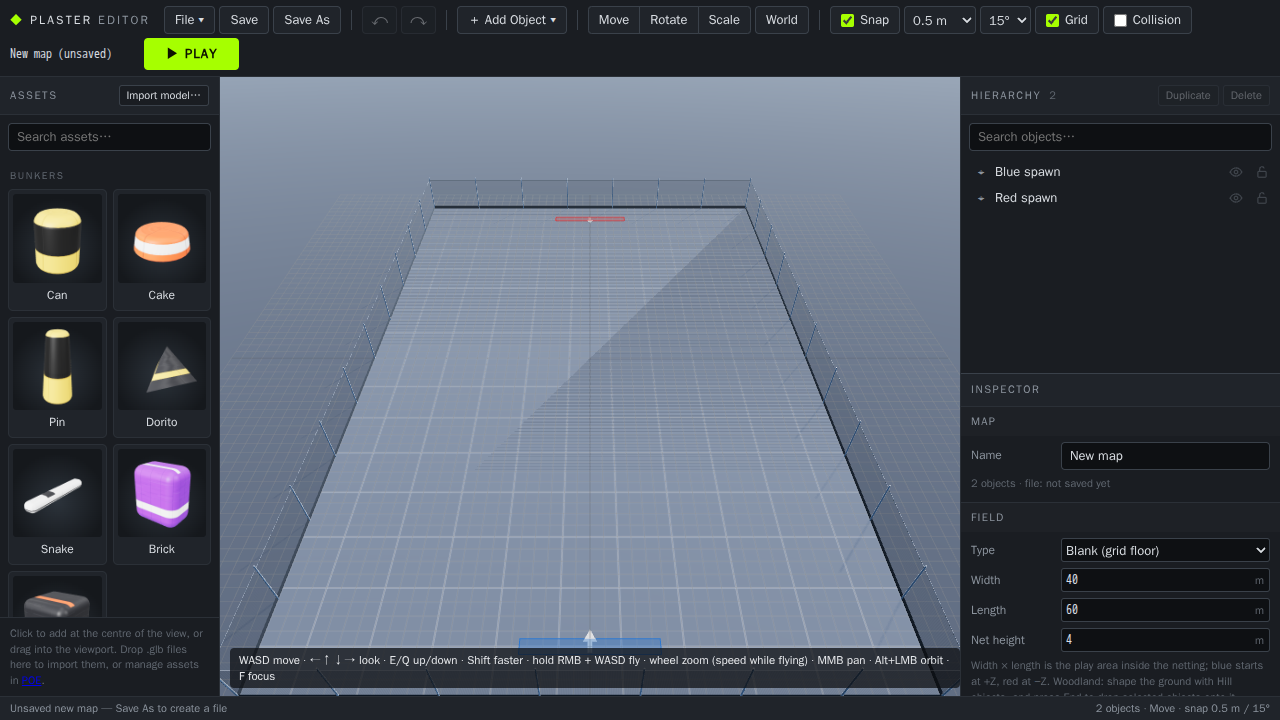 New map
Open it at http://localhost:5173/editor.html while the dev server is running. The game itself stays at http://localhost:5173/.
02What it does
| Viewport | Uses the game's own field, lighting and bunker builders, so what you see is what the game renders. Each map shows its own field (Speedball turf or Woodland terrain and forest); with nothing selected the inspector's Field section sets its type, size and net height. New objects land on the terrain; End drops the selection onto it. Unreal-style camera: hold the right mouse button to look around and fly with WASD, E/Q up/down, Shift faster, mouse wheel while flying sets the speed. Alt+left-drag orbits, middle mouse pans. Without a mouse: WASD moves and the arrow keys look around. Optional 1 m grid and collision-footprint overlay. | ||||
|---|---|---|---|---|---|
| Assets | Every bunker (can, cake, pin, dorito, snake, brick, temple), props (team flag, canopy tent), gameplay objects (spawn zones, Search & Destroy bomb sites, training targets, static or moving), signs and your imported models, each with a preview rendered from its real 3D model. Click to place at the centre of the view, or drag into the viewport. Placed objects reference the asset; nothing is copied. | ||||
| Hierarchy | Searchable list of every object, with show/hide and lock toggles, inline rename, Shift range-select, Ctrl toggle-select and a right-click menu. Selection stays in sync with the viewport. | ||||
| Inspector | Name, visibility, lock, exact position / Y rotation / scale, collision, colors, and each asset's own settings (for example temple size, snake length, team, spawn zone size, bomb site letter and radius). Only settings the game actually uses are shown. New asset types get their own fields from the asset registry, with no editor changes needed. | ||||
| Gizmos | Move, rotate and scale handles with world or local axes and snapping (move 0.1–1 m, rotate 5–90°). Multi-select edits several objects at once. | ||||
| Undo / redo | Every edit, including whole gizmo drags and field changes (type, width, length, net height), is one undo step. | ||||
| Field | With nothing selected the inspector shows the field: type (Speedball turf and inflatables, Woodland terrain and forest, or Blank grid floor), width, length and net height. The netting moves with the size as you change it. | ||||
| Save / load | Maps are JSON files in public/maps/. Save, Save As, Open, New (a blank field: grid floor, netting and a spawn zone per team), plus import and download of JSON files. Every save also renders the field from above blue's end (editor helpers hidden) into public/maps/previews/, the picture lobbies show. | ||||
| Playtest | Runs the real game, with the same movement, marker, paint, bots and collision, on a copy of the scene. Nothing in the game can change the editor's data. Stop returns you with selection and undo history intact. |
03Importing 3D models
Click Import model… at the top of the asset browser (or File › Import 3D model), or drop .glb files onto the asset browser or straight into the viewport to place them where you drop. Each model goes into the shared library and stays there after restarts. The game loads it too, so maps that use it play the same everywhere.
| From Blender | File › Export › glTF 2.0, format glTF Binary (.glb) so textures are packed in. Keep compression (Draco) off. Blender's defaults (+Y up, metres) are what Plaster expects. |
|---|---|
| Origin | Kept as authored: put the origin at the base of the model so it sits on the ground when placed. |
| Where it's stored | public/models/<name>.glb, listed in public/models/models.json. Commit them to keep them in git. |
| Collision | A box around the model's bounds that stops players and bots, and paint sticks to the model itself. Per-object Collides toggle in the inspector. Rotation is Y only, like every other asset. |
| Updating a model | Import a file with the same name and choose Replace: every placed copy updates, and the old file is kept in map-backups/models/. Keep both imports it as a separate model. |
| Shared with POE | The library is shared with POE, which can also import .gltf files with their .bin (converted to .glb). Models imported there appear here when this tab is focused again; importing a file that's already in the library selects the existing model. |
| Not supported yet | Animations on placed models (they're static; clips can drive a marker in POE), Draco/meshopt compression. Very detailed models (300k+ triangles) get a warning because paint and bots test against every triangle. |
04Keeping maps safe
Backups on every save
Before a map file is overwritten, the previous version is copied to map-backups/. The last 20 are kept per map. Map history is also in git.
Conflict check
If the file changed on disk since you opened it, the editor asks before overwriting and offers to save under a new name instead.
Crash recovery
Unsaved work is kept in the browser while you edit. If the editor closes unexpectedly, it offers to restore it next time. Nothing on disk changes until you save.
Validation
Missing assets, bad transforms and duplicate IDs are reported when a map loads instead of breaking it. The game always starts: if a map can't be read it falls back to the built-in original layout.
05Map files
The game and the editor share one format (src/map/format.js) and one asset registry (src/map/assets.js), so a map saved in the editor always loads in the game the same way. Collision footprints are computed from the same data.
The original hand-coded speedball field was converted into public/maps/default.json. All 31 colliders match the original to within half a micrometre. The original layout code is kept as the fallback.
| index.html | Plays maps/default.json |
|---|---|
| index.html?map=name | Plays maps/name.json |
| Editor ▶ Play | Plays the editor's current scene, unsaved changes included |
06Controls
07Next
Managing the model library
Rename and remove imported models from the editor (today: replace by re-importing; removing means deleting the file and its line in models.json).
Models as bot cover
Bots already can't walk or see through imported models, but they only pick bunkers as cover spots so far.
Quality-of-life
Further snapping, axis and placement improvements as the woodsball map gets built in the editor.